AI Prompts for Interior Designers
For design work, the most useful prompts produce the images a client meeting needs: a material board, a moodboard, a presentation view, a loose concept sketch, and an alternative option on the client's own photo. Each needs real materials named and a clear way of photographing it. Each prompt below is shown with the image it produced.

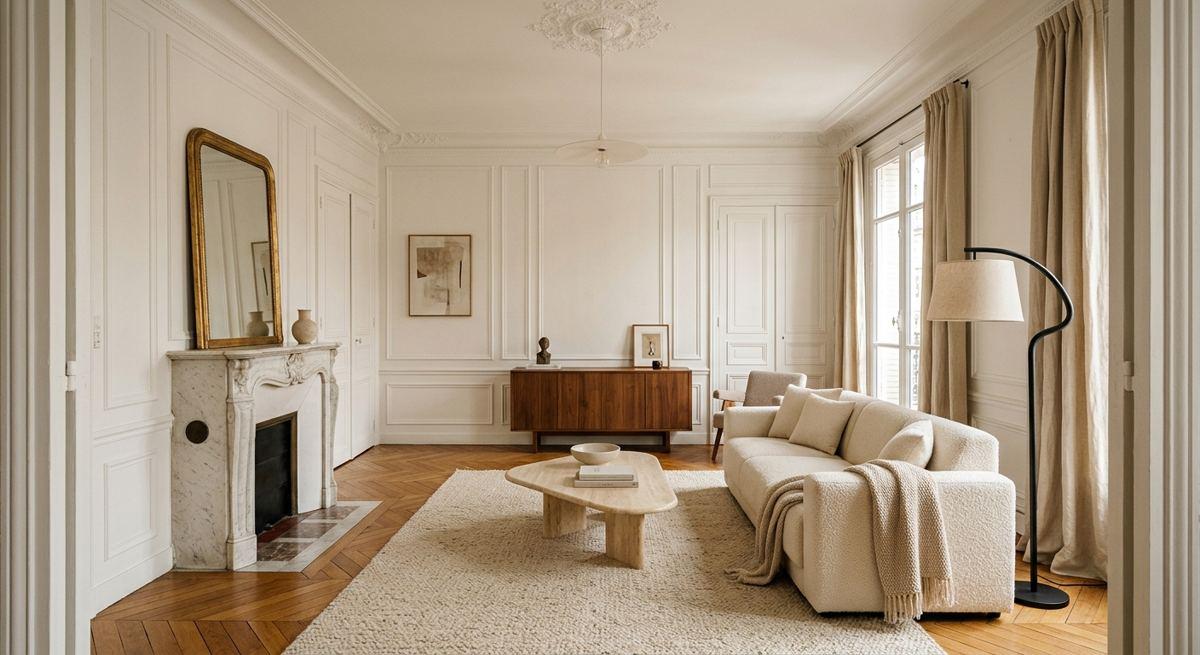
The room the photo prompts on this page started from
1. A material board, from above
A material board for a warm minimalist living room, photographed from directly above on a white table: an oak flooring sample, a travertine tile, a linen fabric swatch in oatmeal, a bouclé swatch, a small brushed brass plate, and three painted card chips in #EDE6DA, #C8B9A6 and #6B6052. Soft daylight from the left, real shadows, no text, no labels.
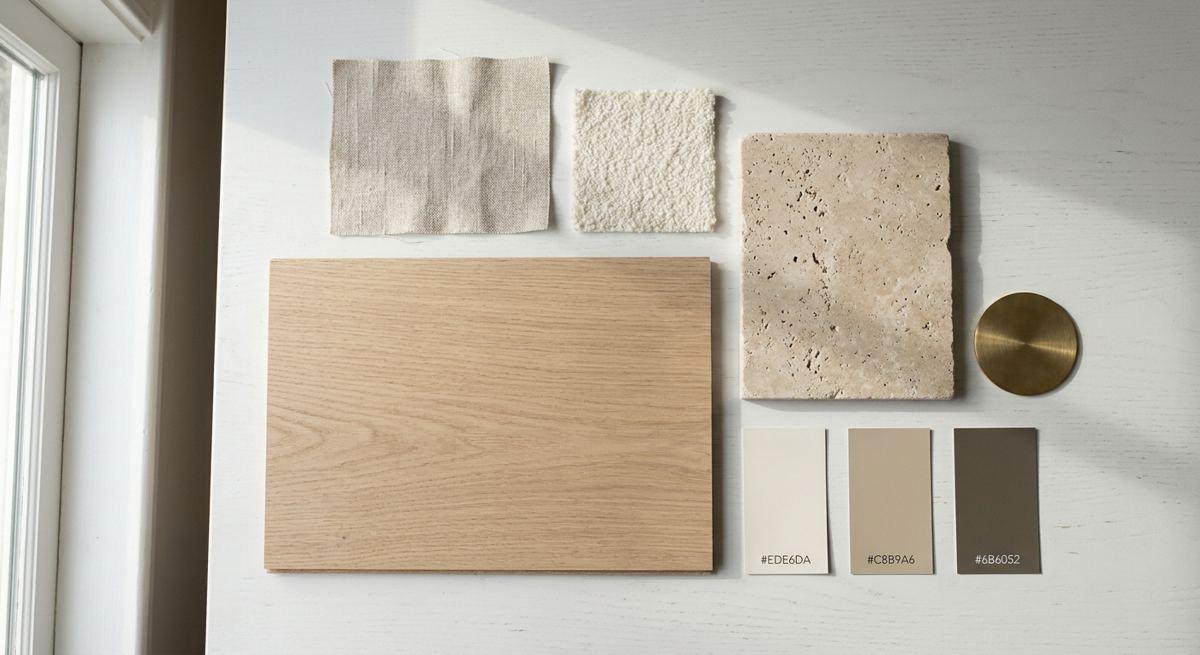
Oak, travertine, linen, bouclé, brass and three paint chips, lit from one side with real shadows. Although the prompt said 'no labels', the model printed the hex codes on the paint chips in both runs; crop or regenerate if you need clean chips.
2. A physical moodboard on cork
A physical moodboard pinned on a cork board in a design studio for a coastal bedroom project: printed photos of linen bedding and a wooden bed, a sand-coloured fabric swatch, a rope sample, a pale blue paint card, a pressed piece of beach grass, a small sketch of the room. Photographed straight on, natural window light, no readable text.
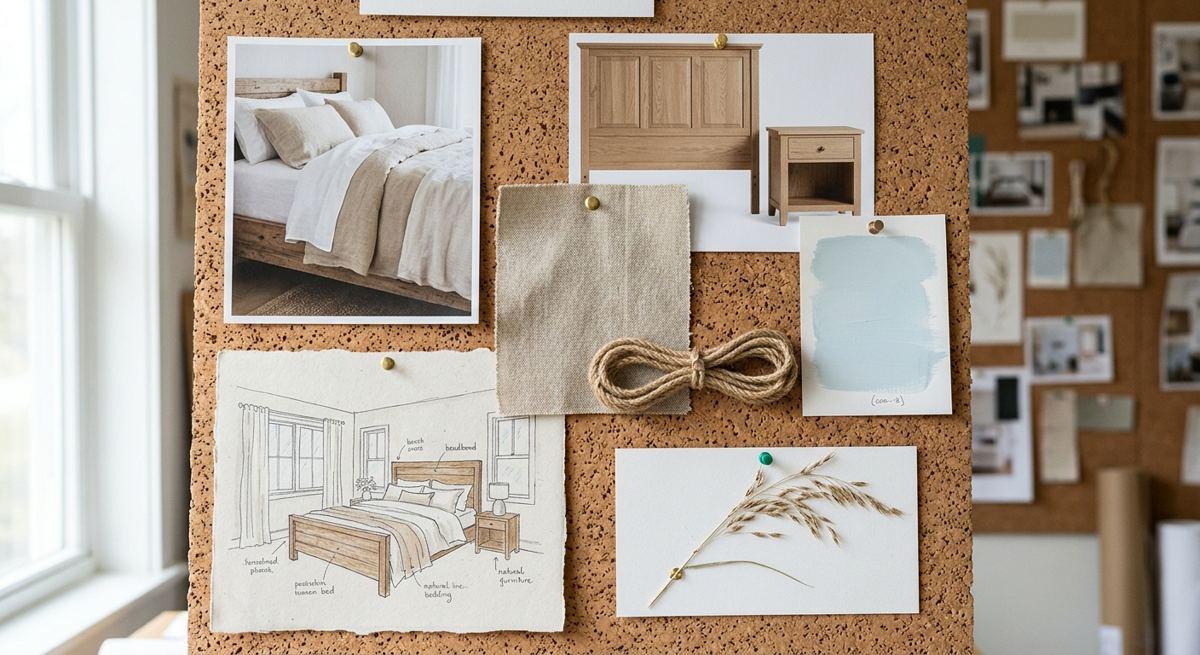
Printed photos, fabric, rope, beach grass and a small sketch pinned on cork. Asking for a photographed board, not a digital collage, is what makes it feel like studio work.
3. A client presentation view
A presentation image for a client: a 22 square metre living room in a Haussmann apartment with moulded walls and a marble fireplace, furnished in warm minimalism: a cream bouclé sofa, a travertine coffee table, a walnut sideboard, a large wool rug, linen curtains, one sculptural floor lamp. Afternoon light, eye-level photo from the doorway, 24mm lens, straight verticals.
A Haussmann living room with moulded walls, marble fireplace and the listed furniture, shot from the doorway with straight verticals. Give the room size and the architecture first; the furniture follows.
4. A watercolour concept sketch
A loose watercolour concept sketch of a kitchen with a long island and open shelves, for a first client meeting: pencil lines visible under washes of sage green and warm wood tones, white paper showing through, drawn in two-point perspective. No text, no labels.
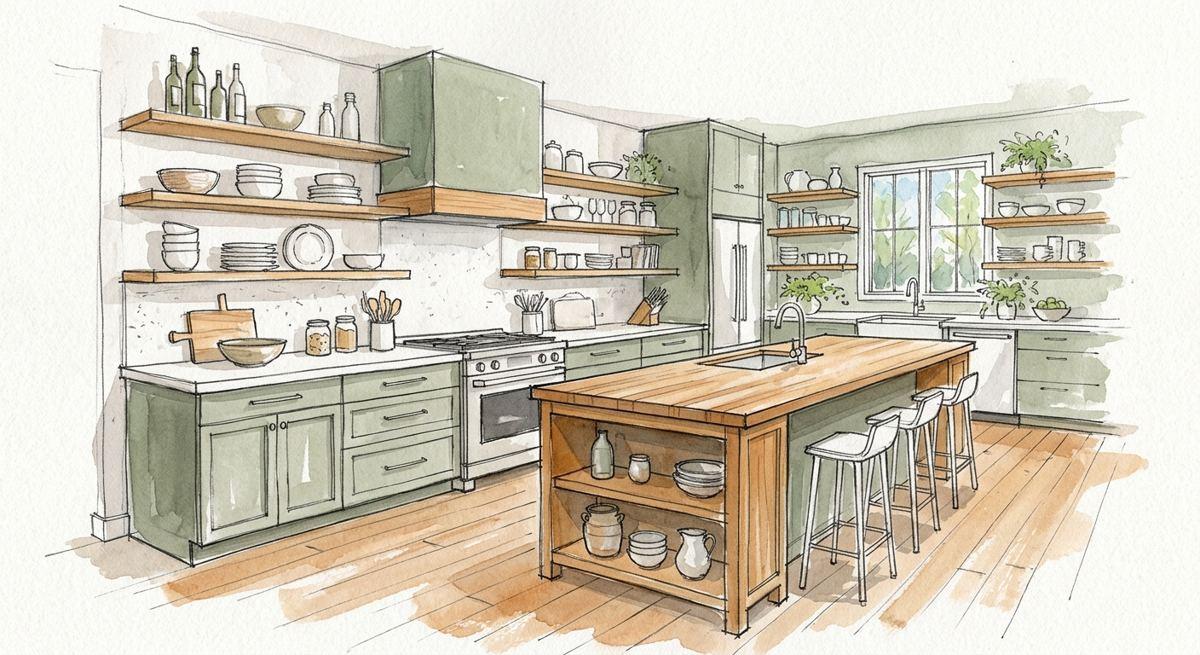
Pencil lines under sage and wood washes, two-point perspective, white paper showing. A sketch says 'early idea' to a client in a way a photo cannot.
5. Option B on the client's photo
Show option B for this client: the same room with the same walls, windows, floor and camera angle, furnished in warm minimalism instead: a cream bouclé sofa in the same position, a travertine coffee table, a large wool rug, a walnut sideboard against the right wall and linen curtains. Same daylight.
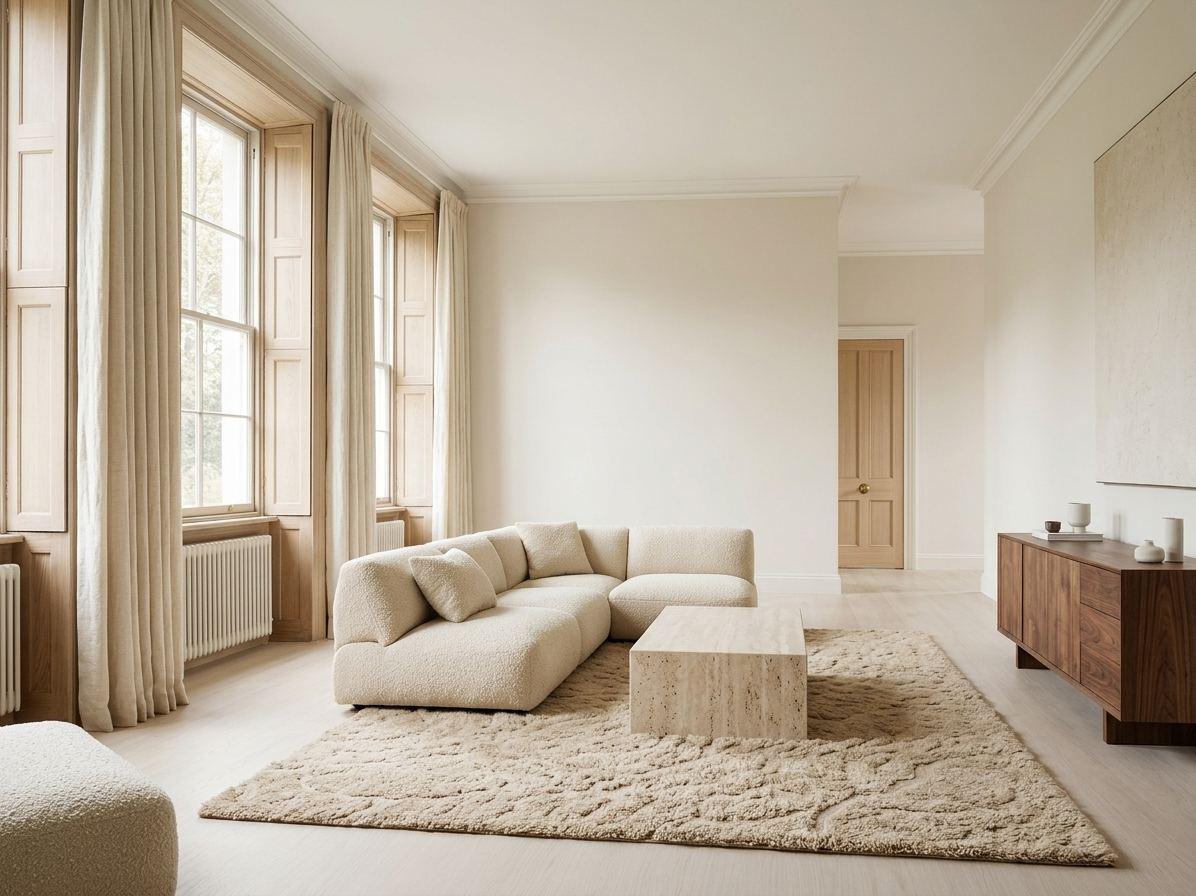
The same room, walls and camera, furnished in warm minimalism with the listed pieces. Showing an alternative on the client's real room is quicker than describing it.
What these runs showed
- Name real materials and colours by hex; vague adjectives give vague boards.
- Say how the image is photographed: from above, straight on, from the doorway.
- Expect the model to add text even when asked not to, and check every board before sending it.
- Use the client's own photo for options; keep walls and camera locked.
- Label AI images as visuals in your presentation, not as final specifications.
Starting from a photo of your own room
Every prompt here can be run on a photo of your own space. In Styly you upload the photo, choose what to change and a style, and get a new version of the same room to compare with the original.
Try it on a photo of your room
Upload a photo and see your own room changed. The free plan gives 3 images without an account or card, and Starter starts with a 7-day free trial.
Try Styly →Questions
How can interior designers use AI prompts?
For material boards, moodboards, presentation views, concept sketches and options on a client's photo, between the brief and the quote.
Can AI make a material board?
Yes, photographed from above with named materials. Check for unwanted text: the model added hex codes in our runs.
Can I show a client an alternative layout on their photo?
Yes. Keep the walls, windows and camera angle locked and name the new furniture.
Can AI images replace drawings and specifications?
No. They help a client decide; drawings and specifications are still what gets built.
How these prompts were tested
Each prompt on this page was run once in English and once in French on 13 November 2026 with Google's Gemini 3.1 Flash Image model. The images are those results, resized and otherwise untouched; the English page shows the English runs and the French page the French runs. That is one run per language: the same prompt can return a different image next time, and other tools will answer differently. Where a run went wrong, we say so.